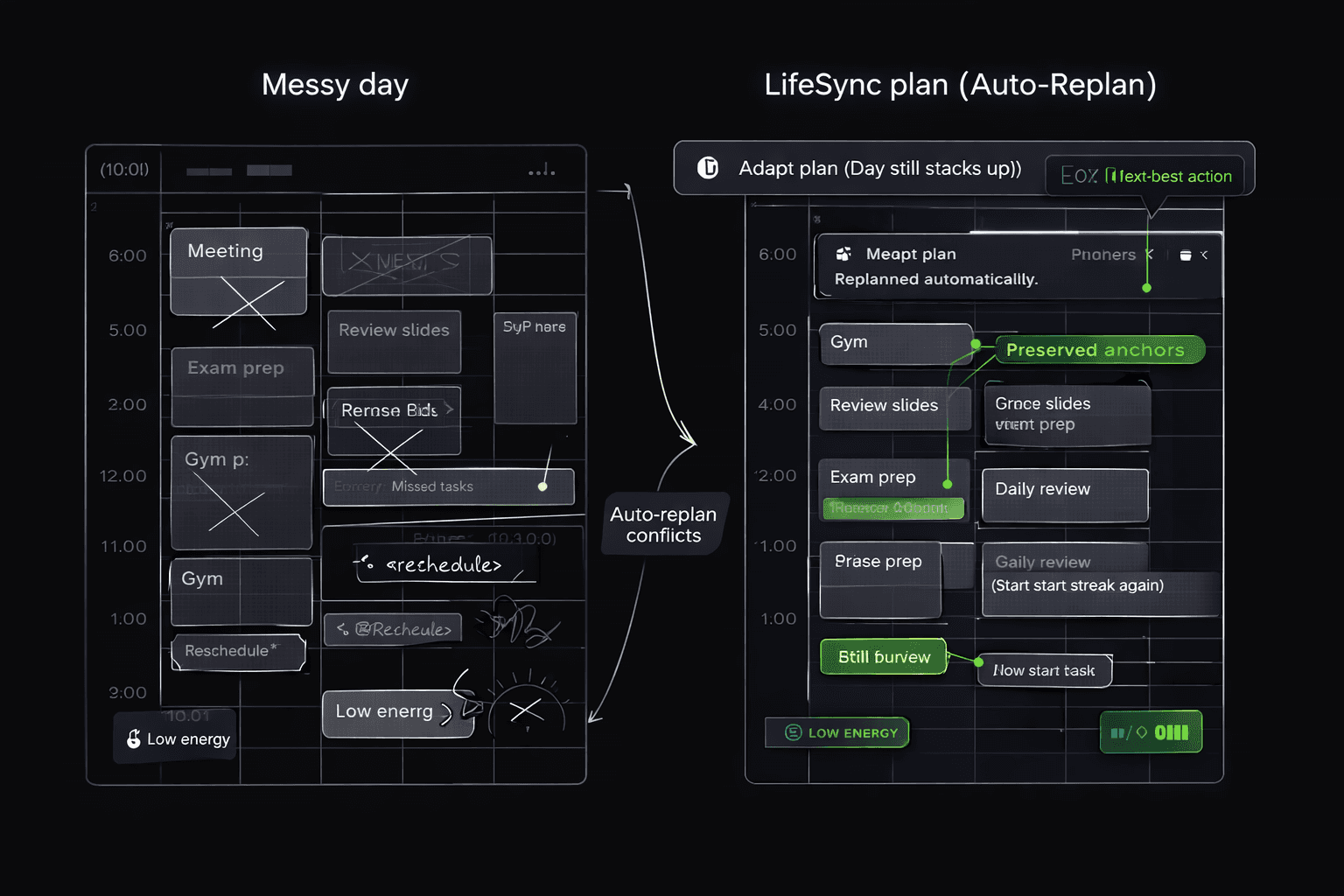
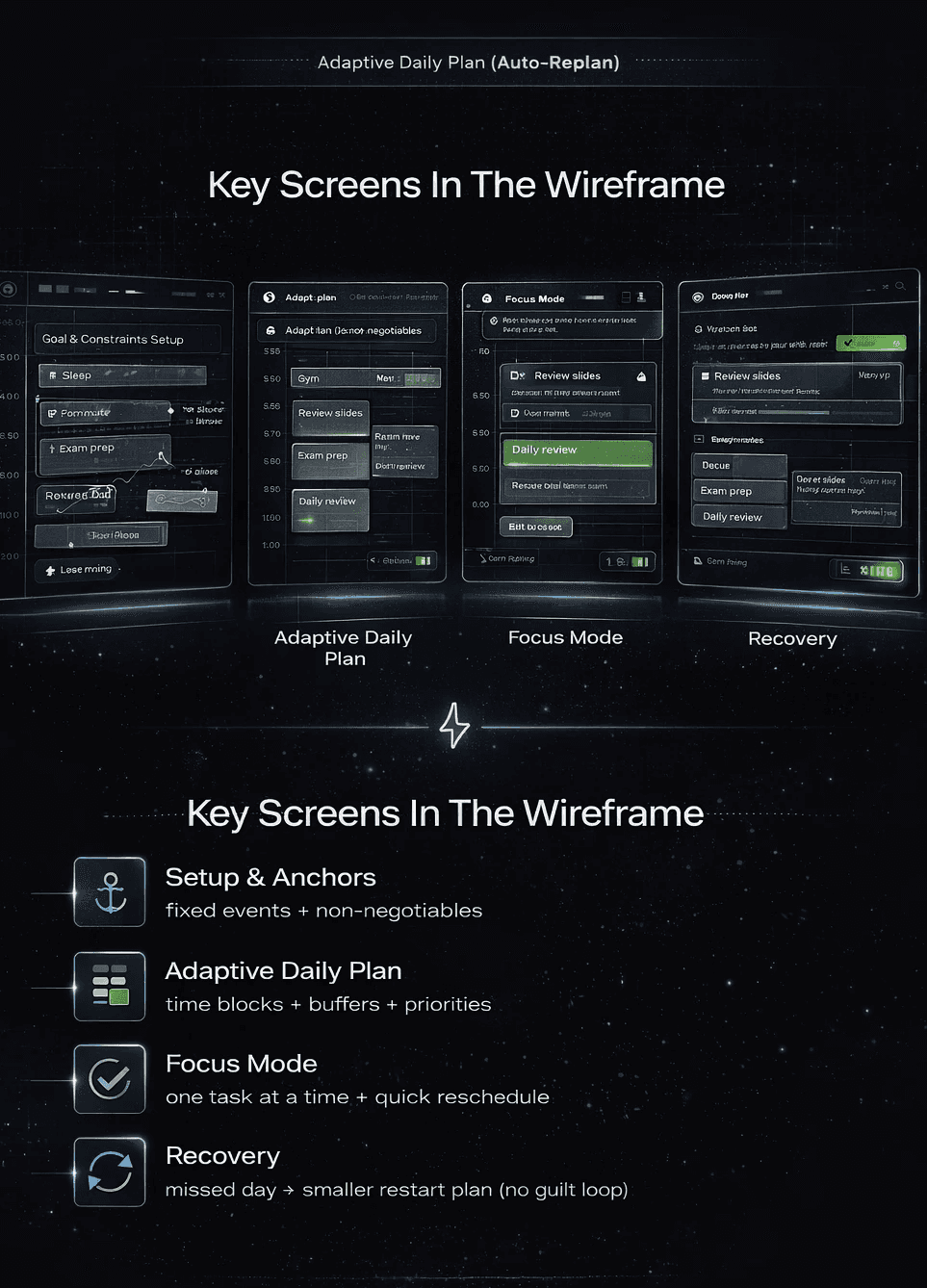
LifeSync’s mobile flow wireframes are redesigned to reduce friction at the exact moment routines break: when your day changes. The goal is simple—capture in seconds, auto-replan instantly, and show one next-best action so users keep moving without decision fatigue.
Quick Capture (5–10s): add a task/habit + one detail (time/deadline/energy)
Signal tagging: Deadline / Energy / Routine → system understands intent
Auto-Replan: when classes/meetings shift, blocks update automatically
Next-Best Action: one clear focus prompt instead of long lists
Improvements
Added bottom-sheet quick add with smart defaults (time, priority, category)
Introduced energy-aware suggestions (light task on low-energy windows)
Simplified navigation to 2 primary modes: Plan / Focus
Clearer “why this now” microcopy (reduces anxiety + builds trust)
Reduced steps to replan: 1 tap → confirm → done
Removed ambiguous labels that caused hesitation (ex: “Schedule” → “Plan”)
Reduced cognitive load by limiting visible choices per step
Improved empty states: users always see a starting point
Clarified recovery messaging to avoid “failure spiral” after one miss
Replan acceptance rate (Do users trust auto changes?)
Focus compliance (Do users follow next-best action?)
Recovery success (Do users restart after misses?)